A light painting app that makes light GROOVE.

Capture light. Create with light. Explore the possibilities.
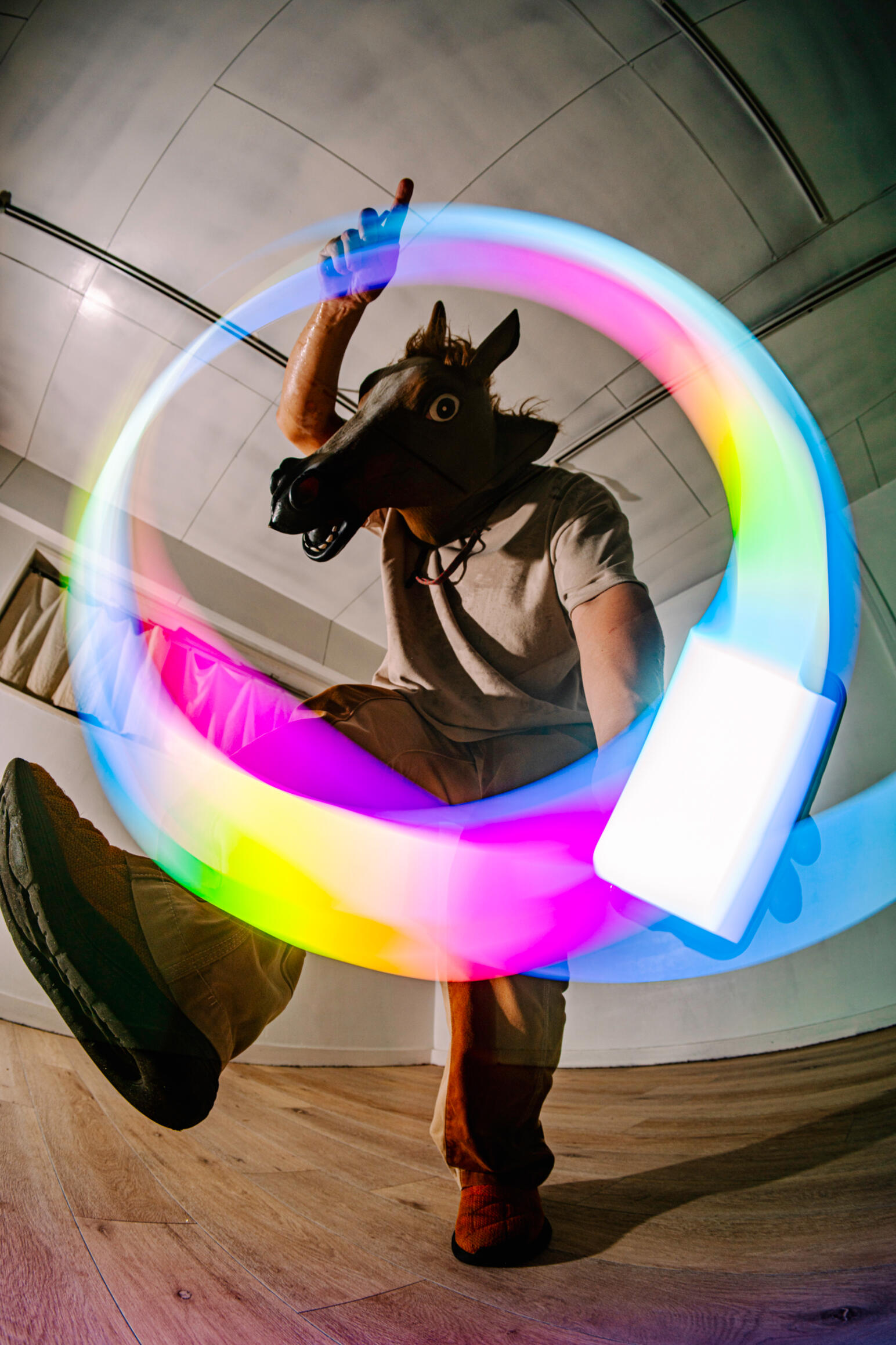
An iPhone app that brings together light painting photography, creative light tools, and practical tips.
Capture | GLOW HUNT
Turn moving light into photographs.
A collection of tools to help you prepare for and capture light painting.
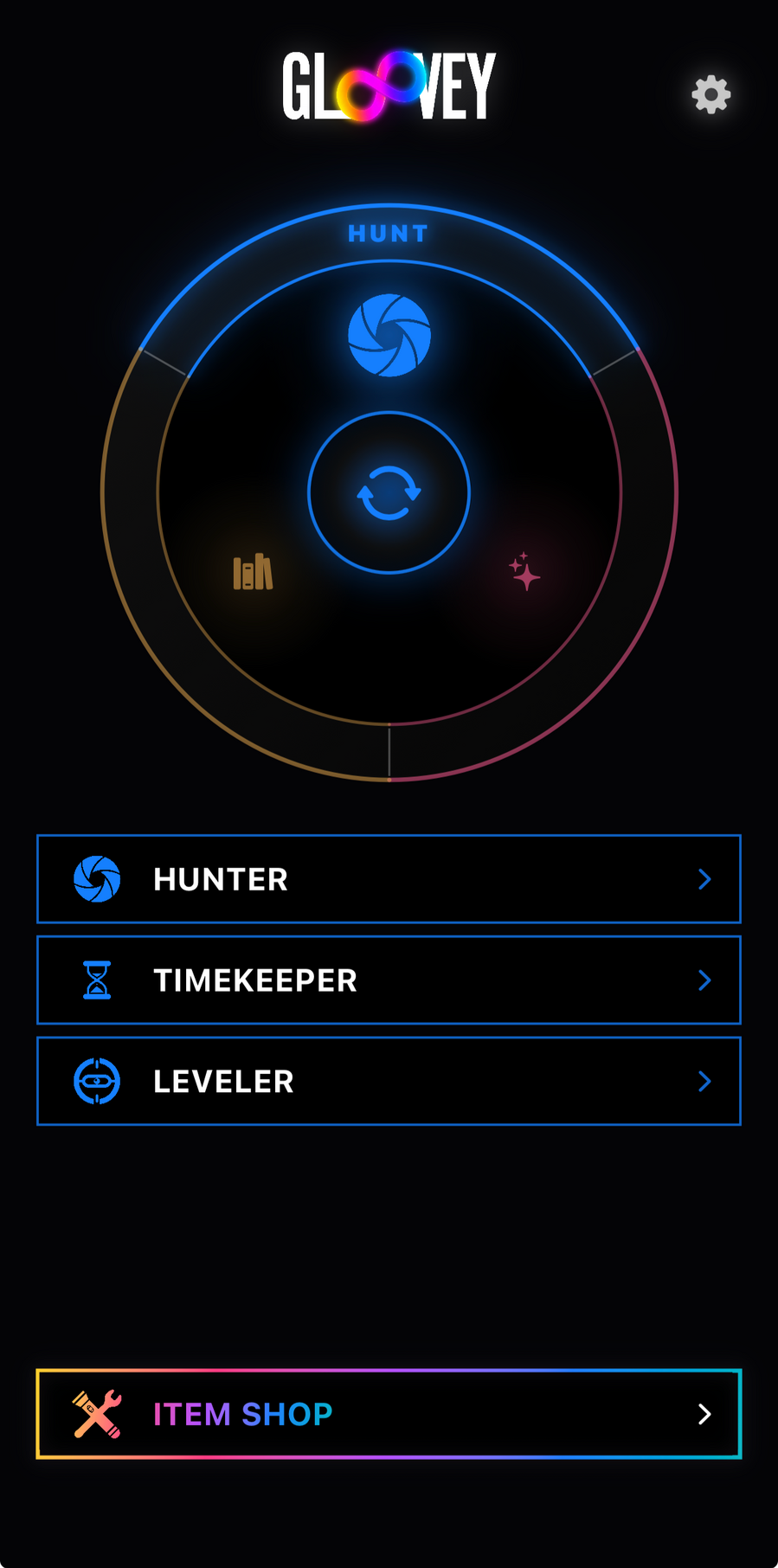
HUNTER
Capture the light you paint.
A camera built for light painting on iPhone.
Turn moving light into photographs with LONG EXPOSURE and Realtime Composite. With REALTIME COMPOSITE, you can watch light trails build up on screen as you shoot.
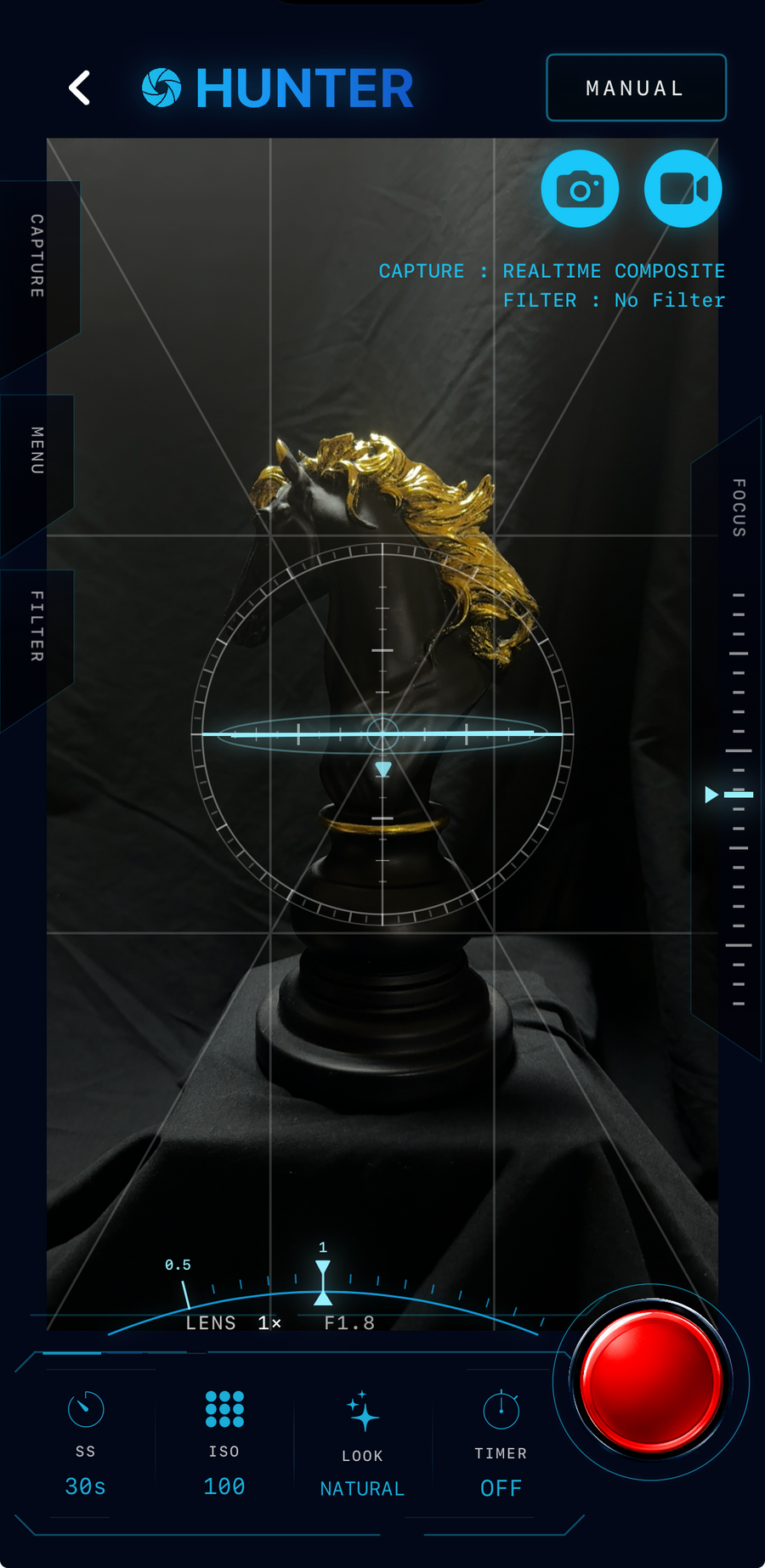
TIMEKEEPER
Calculate exposure times for ND filters and suggested shutter speeds for photographing stars with a stationary camera.For star trails, work out the combination of shooting interval, shot count, and total shooting time. Once you have your settings, go straight to the timer.From planning your shoot to keeping track of time, TIMEKEEPER helps you stay on track.
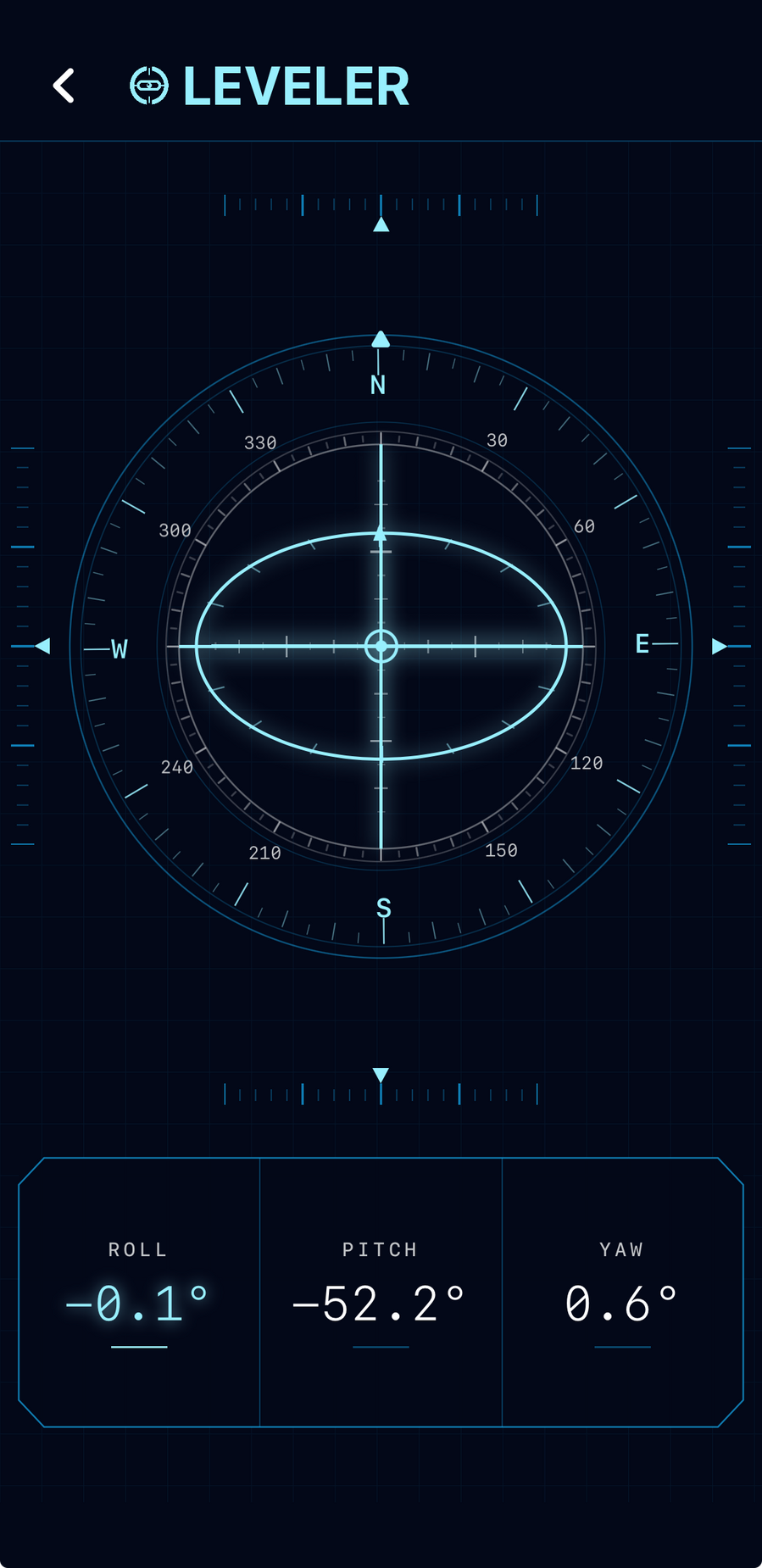
LEVELER
Check your angle before you shoot.A digital level that shows your iPhone’s tilt.
Check horizontal and vertical alignment as you prepare your setup.Getting it perfectly centered is part of the fun.
Create | GLOW MOTION
Turn your iPhone into a creative light tool.Use the screen or rear light to create light trails with different lines, shapes, and colors across five modes.
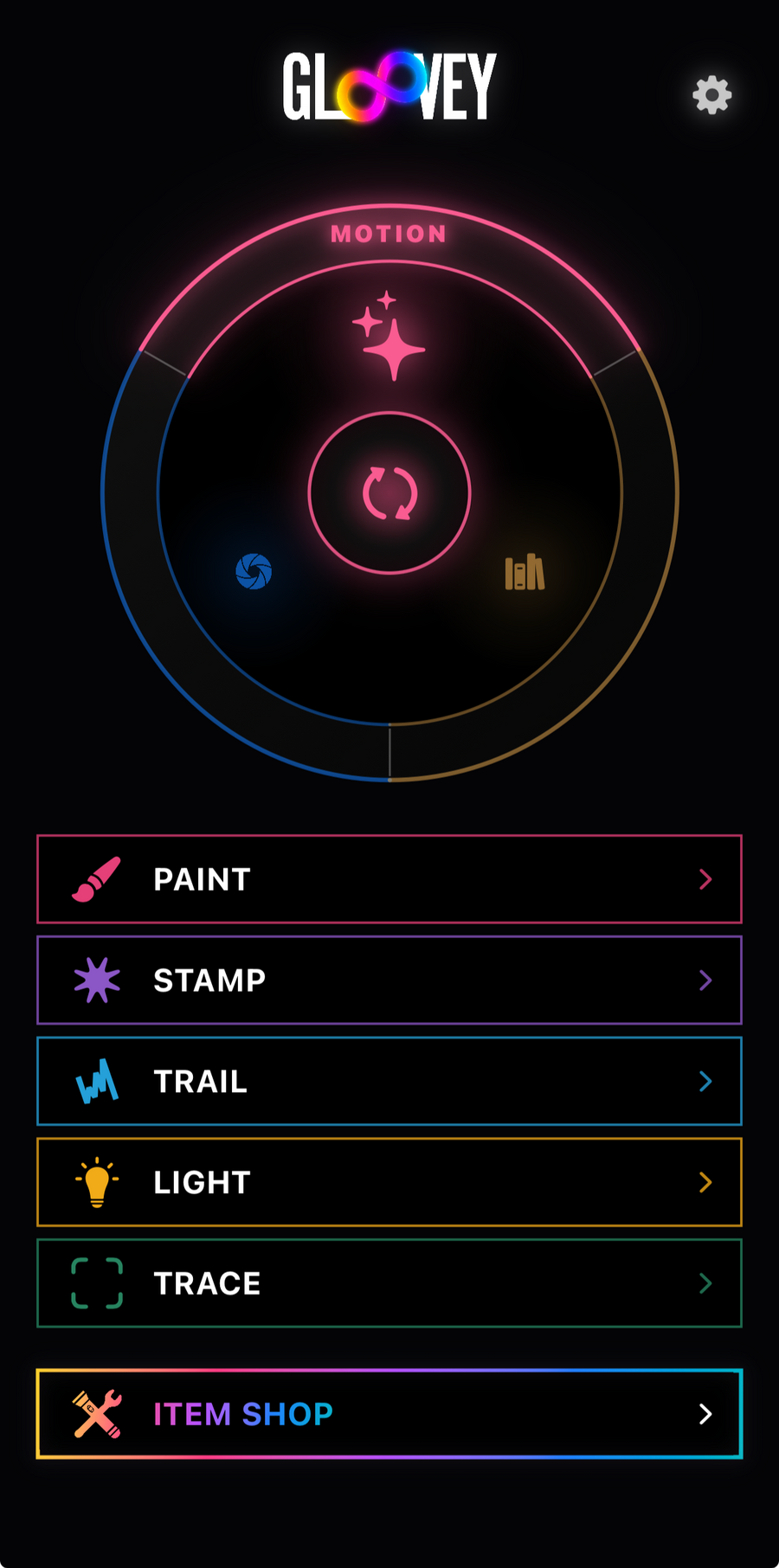
PAINT mode
Endless ways to play with lines of light.
Choose a brush, then hold the lower part of the screen as you move your iPhone through the air.From delicate lines to SUMI’s textured strokes and variations in line width, create expressive trails of light.
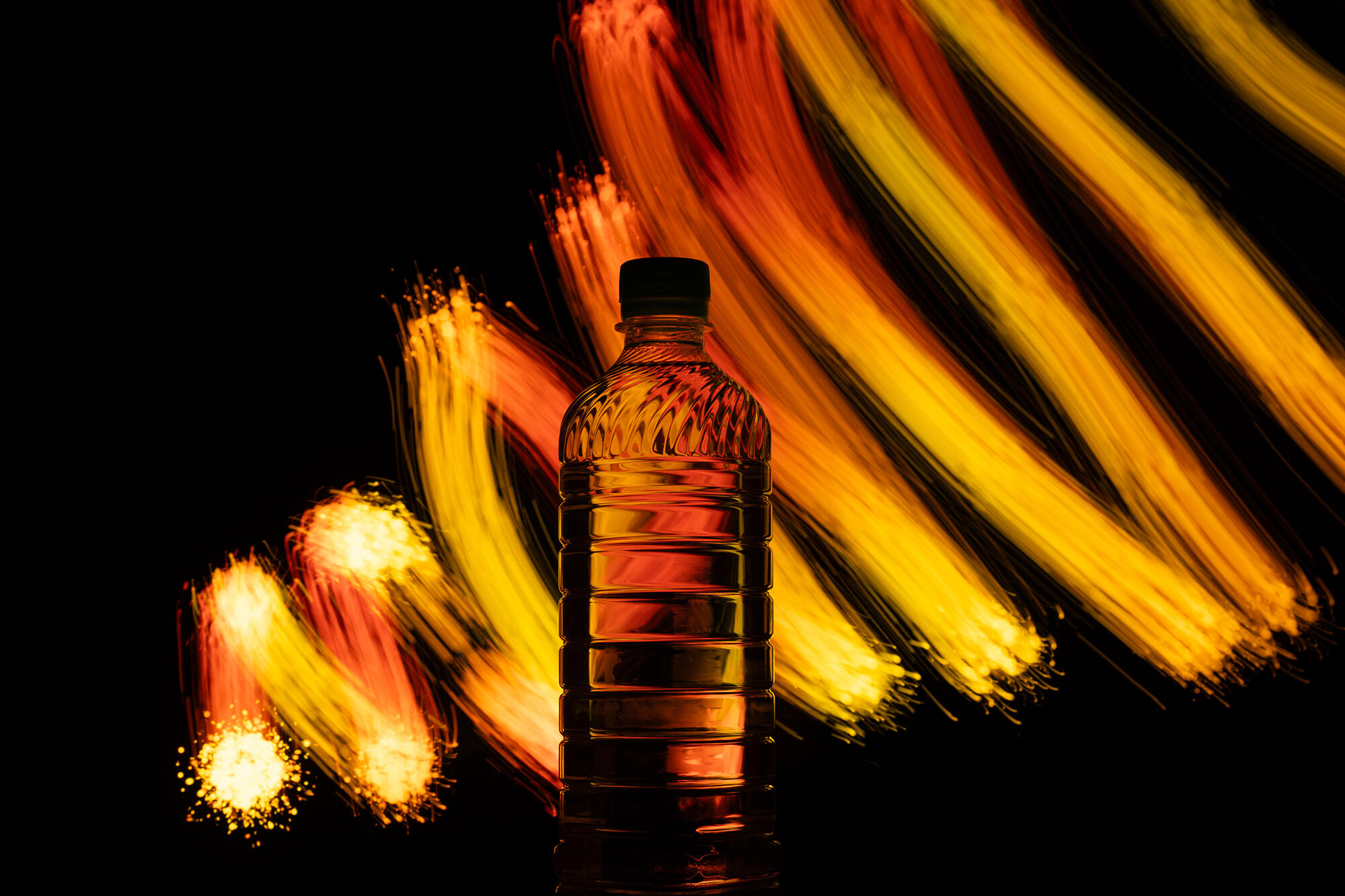
STAMP mode
Stamp light into the air.
Choose a shape and color, then tap the lower part of the screen.Place light exactly when you want it. Line up shapes or scatter them around for a different way to create with light.

TRAIL mode
Move your iPhone. Let the light dance.
Light moves across the screen as your hand moves the iPhone.The two movements combine to create repeating patterns and colorful light trails.
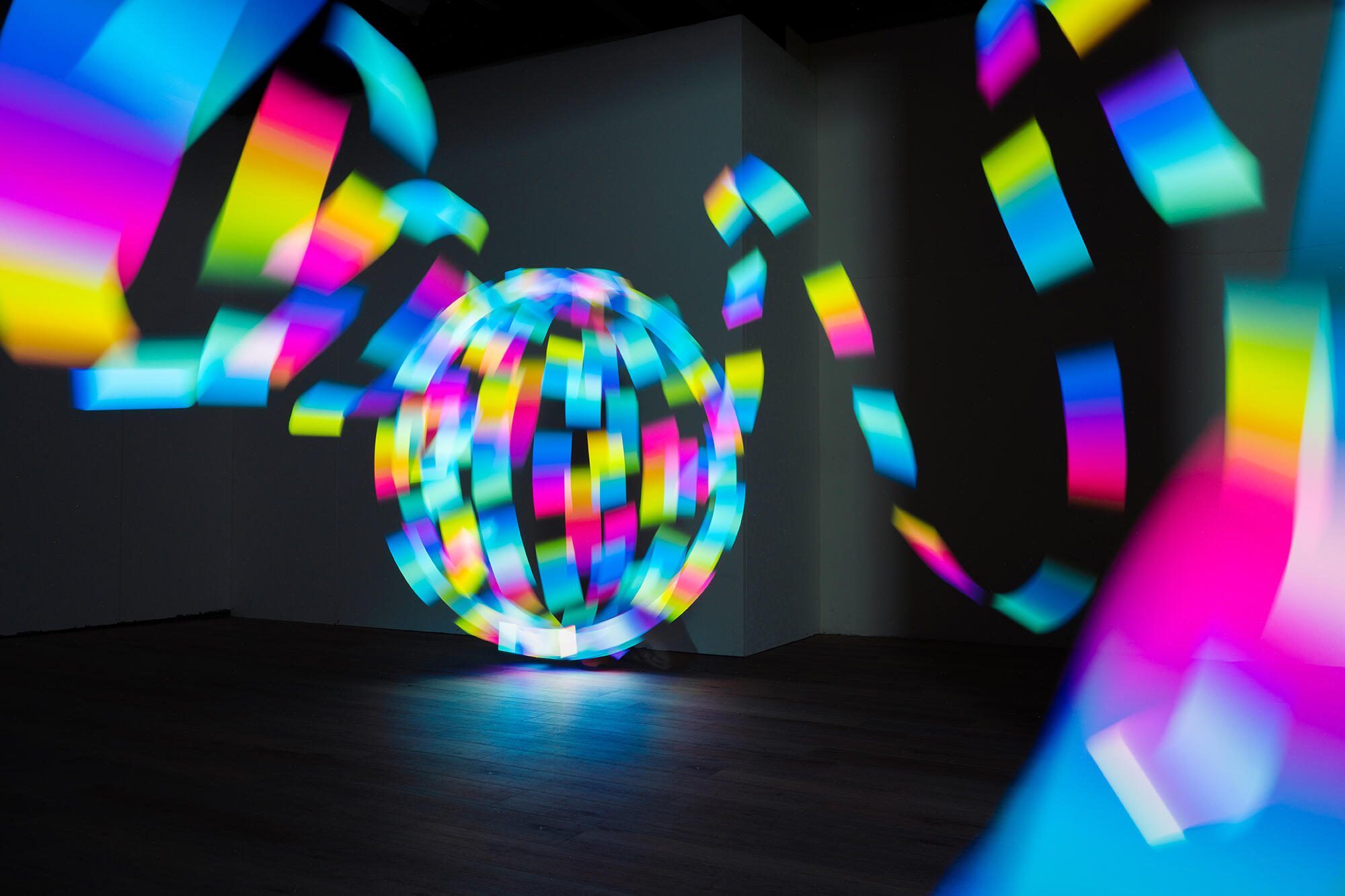
LIGHT mode
Pick a color. Let it glow. That’s it.
Choose a color and brightness to fill the screen with light.Change how you move and angle your iPhone, and even simple light can take on all kinds of expressions.
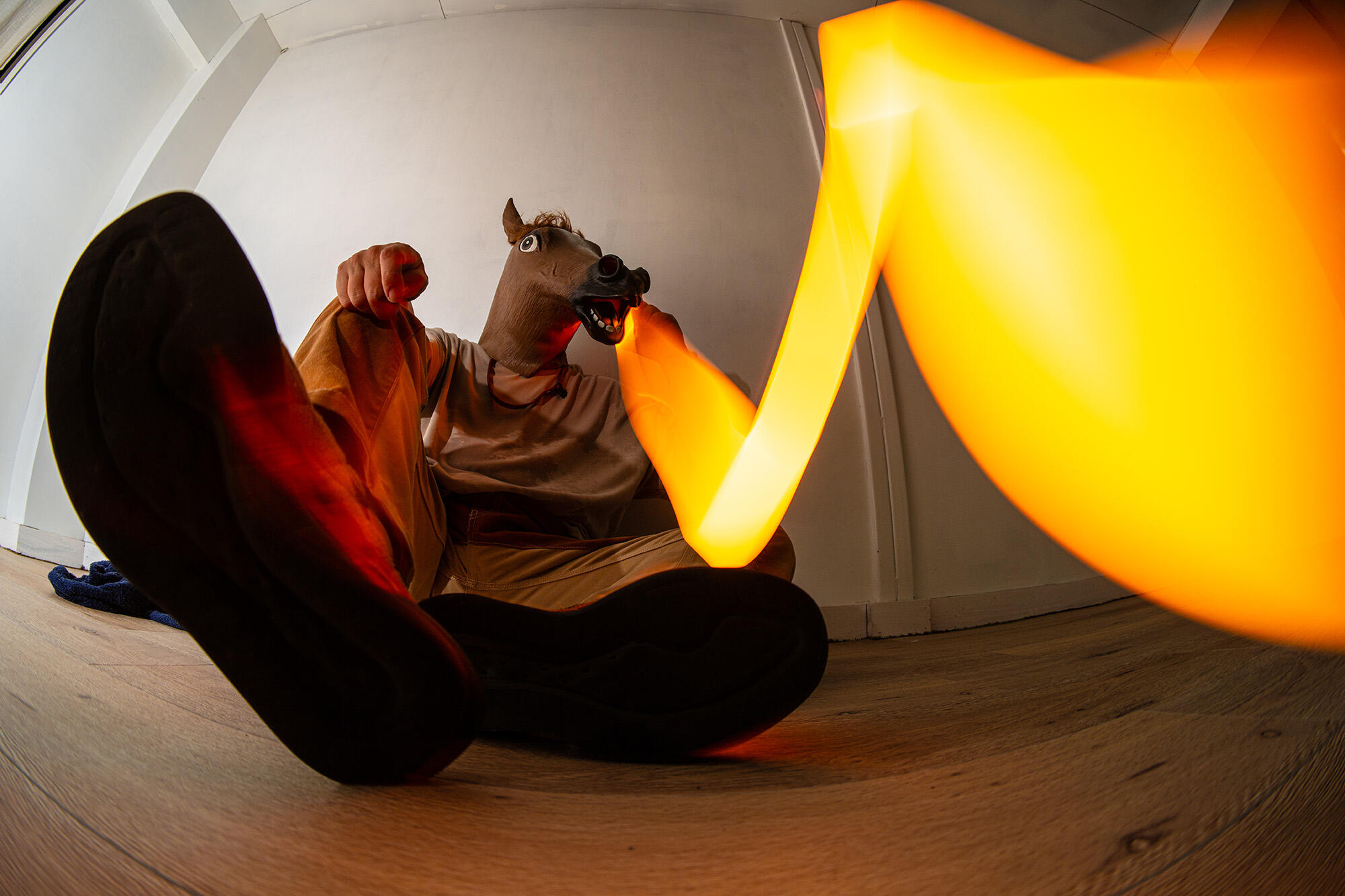
TRACE mode
A little guidance for your light painting.
Use an image or text on screen as a guide, then trace it in the air with the rear light.Control the light by touch, or create freely without a guide.
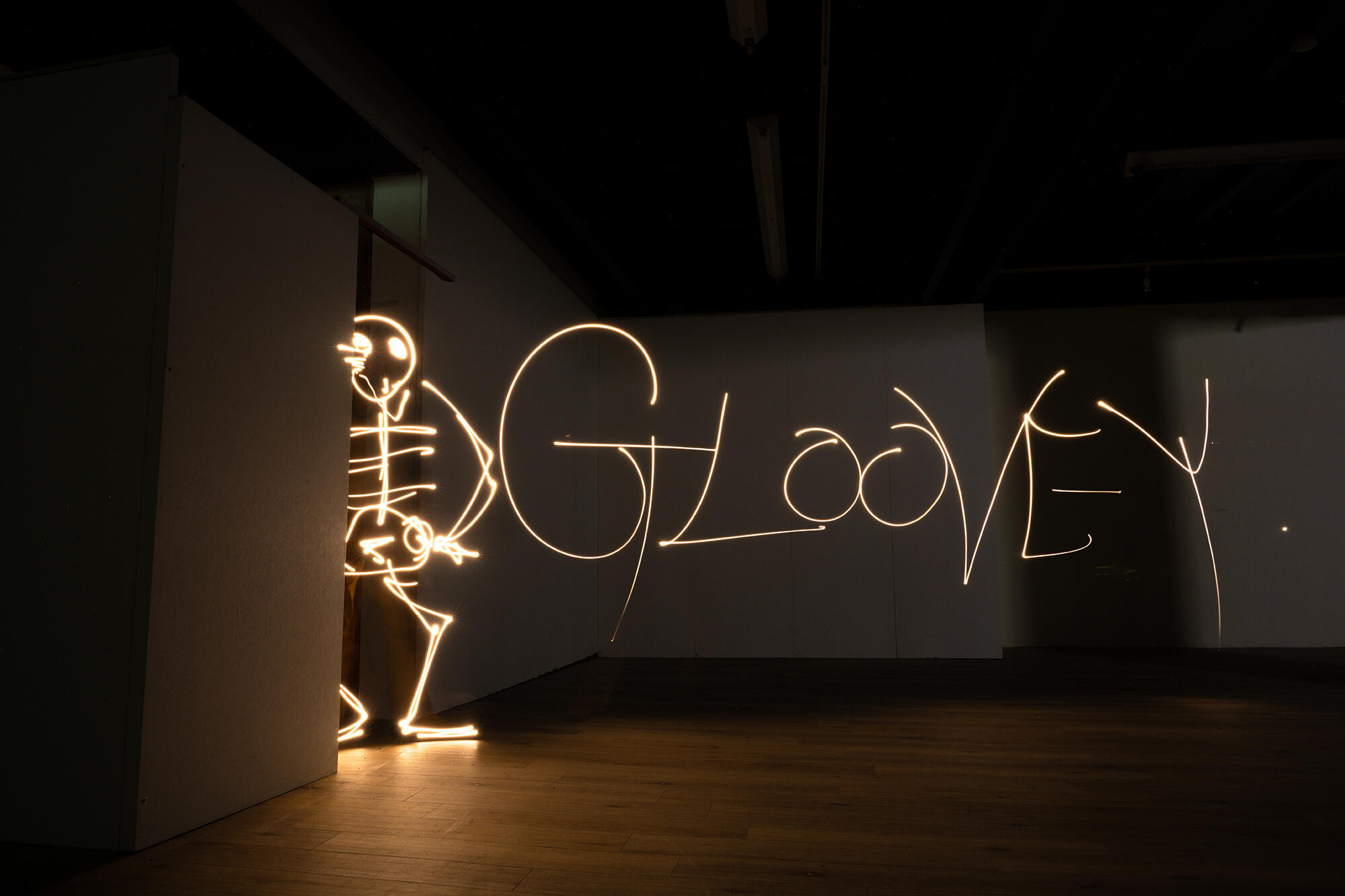
Explore|GLOW LAB
Find your way around. Find your next idea.Explore guides, examples, and photography tips to get more out of GLOOVEY.
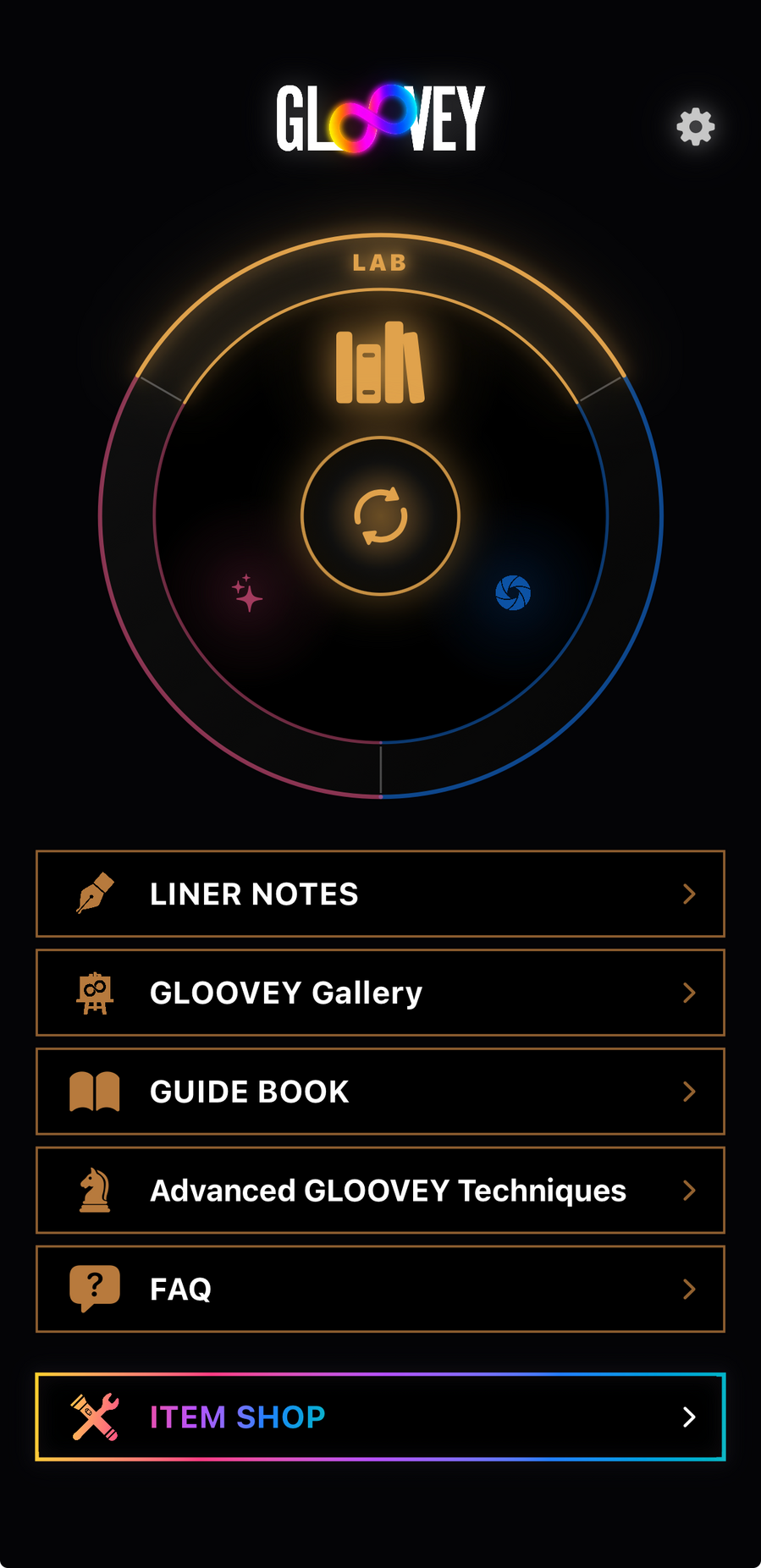
LINER NOTES
Your invitation to light painting.
Start with “Light Painting Challenge” and discover the fun of creating with light.Find inspiration for your first experiment—and your next shoot.
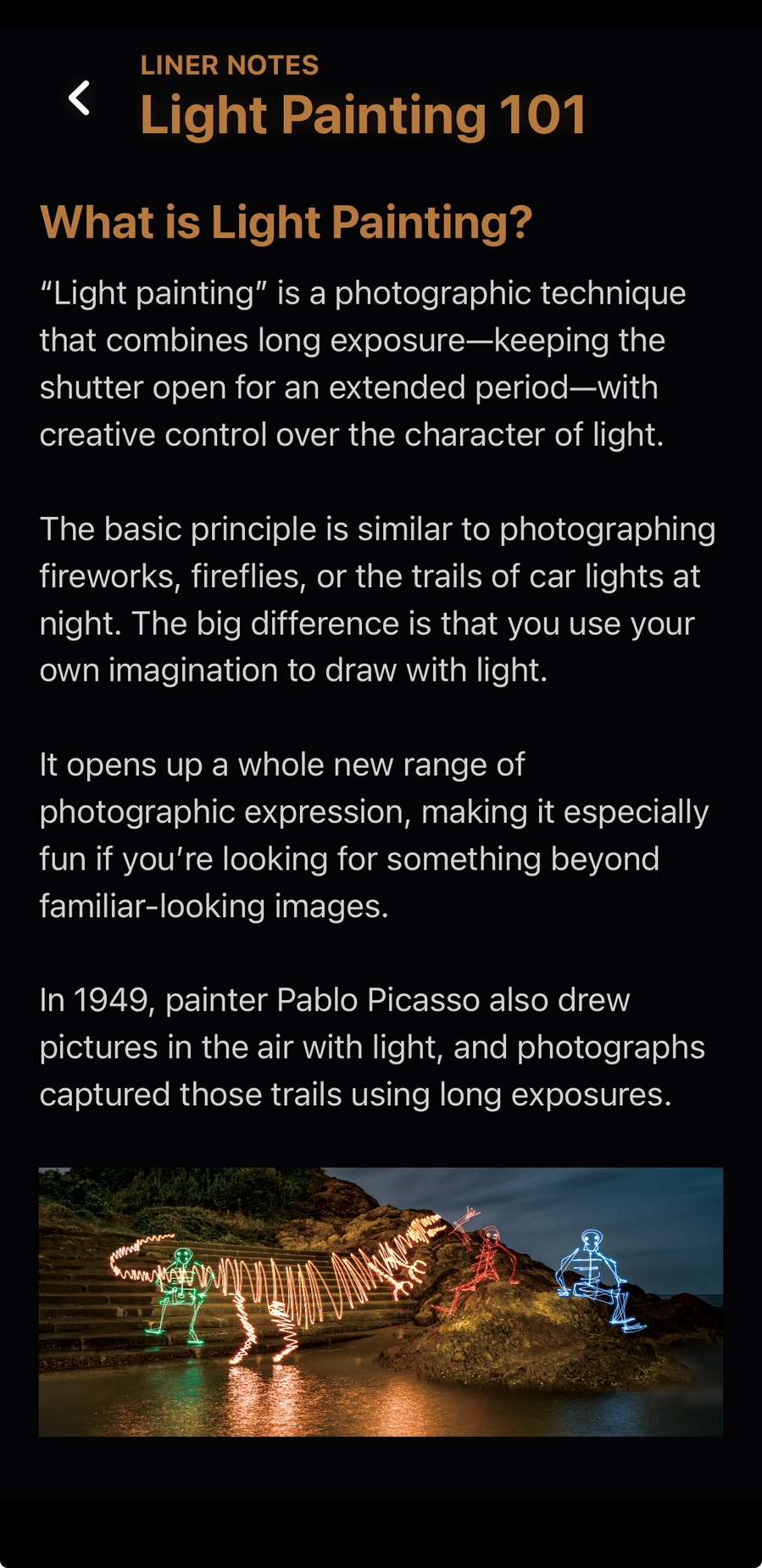
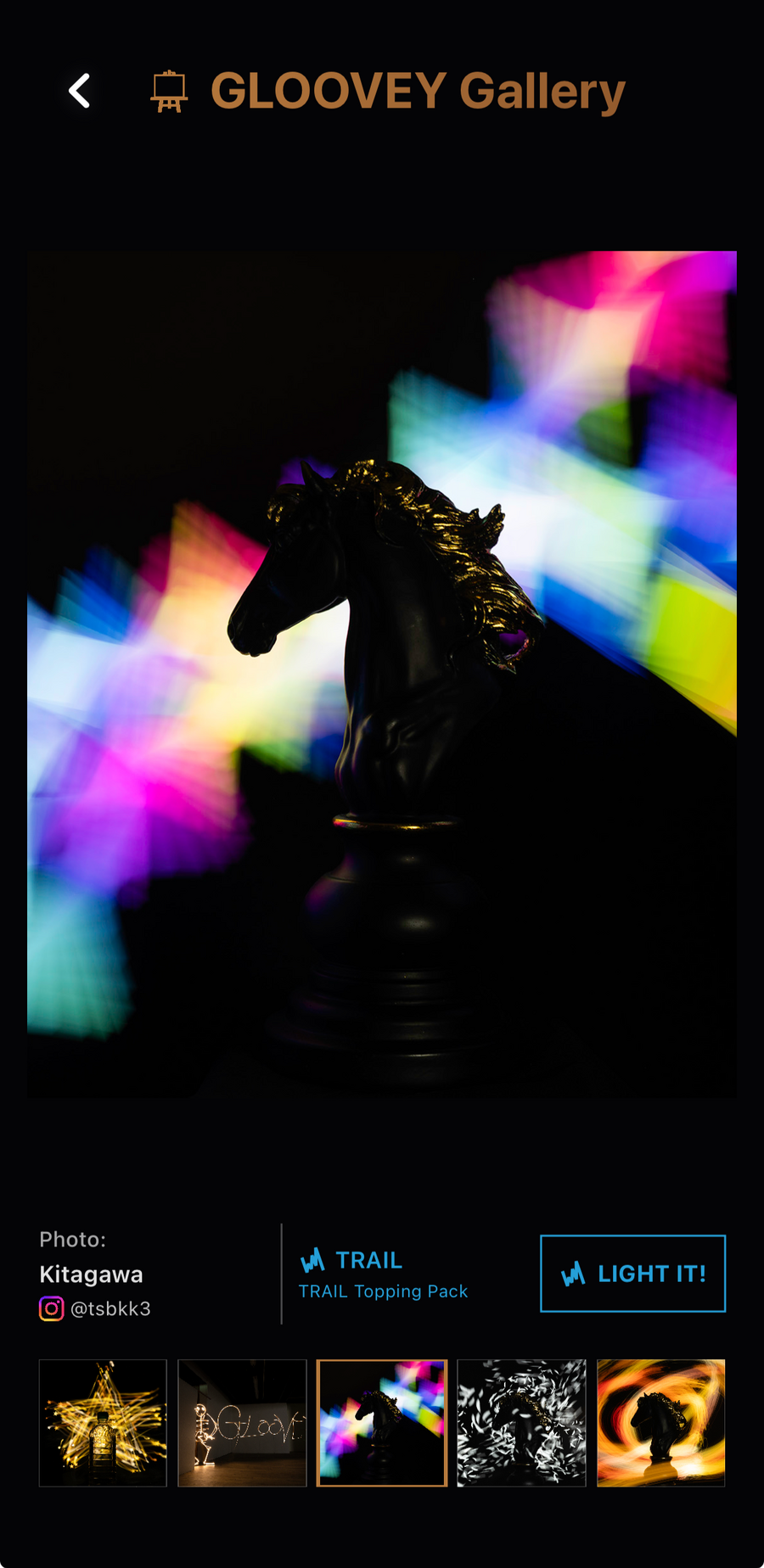
GLOOVEY Gallery
How was that light created? Try it for yourself.
Find an example you like and tap “LIGHT IT!”Then tap GLOW ON to try the exact light settings used in the example—without copying each setting by hand.Start with the example, then change your movements to make it your own.A gallery that connects the joy of seeing with the fun of creating.
GUIDE BOOK
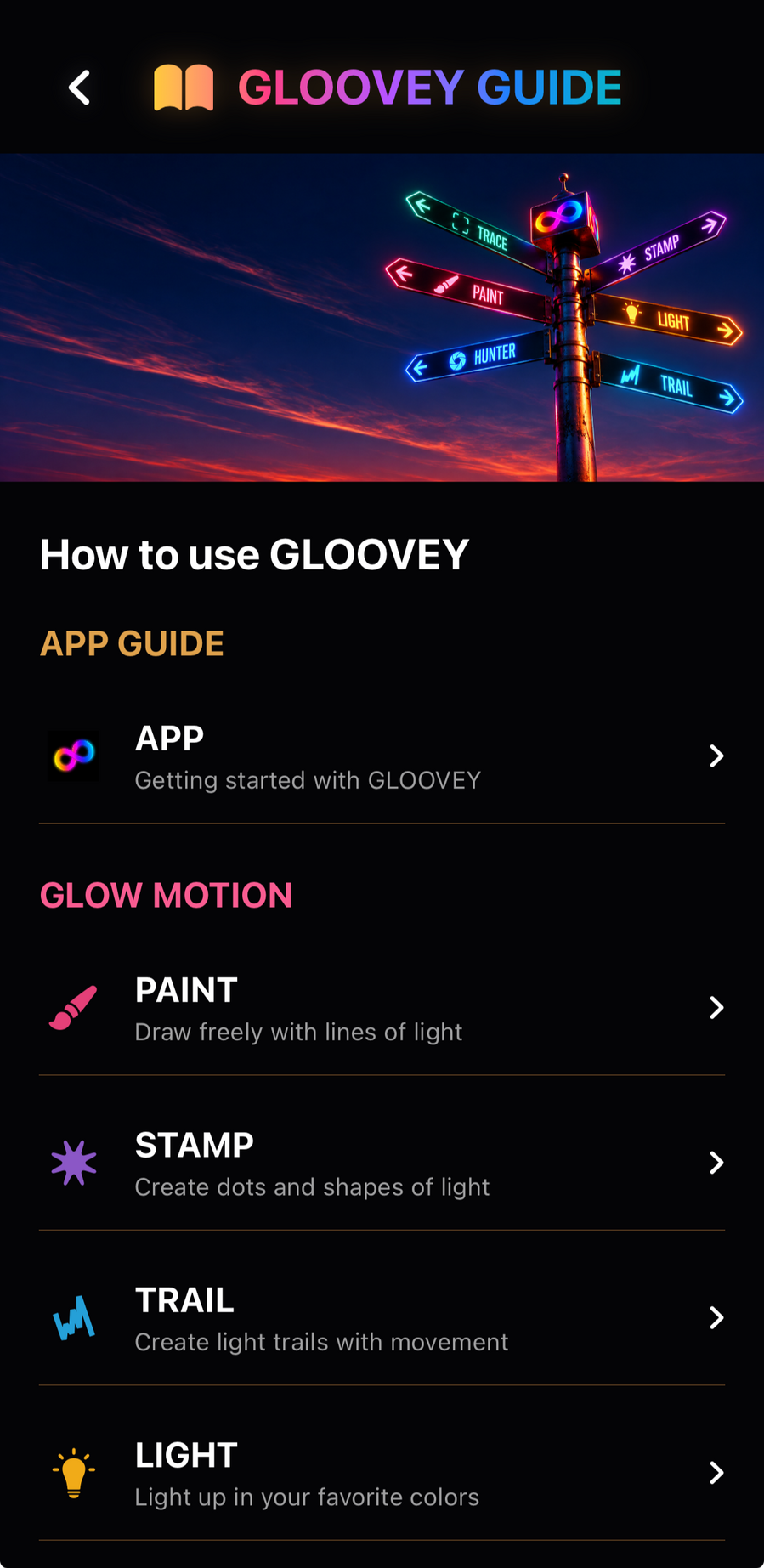
Learn how it works. Find more ways to play.
From the basics of each mode to what individual settings do, explore GLOOVEY with screenshots and example images.Start with whatever catches your interest.
Advanced GLOOVEY Techniques
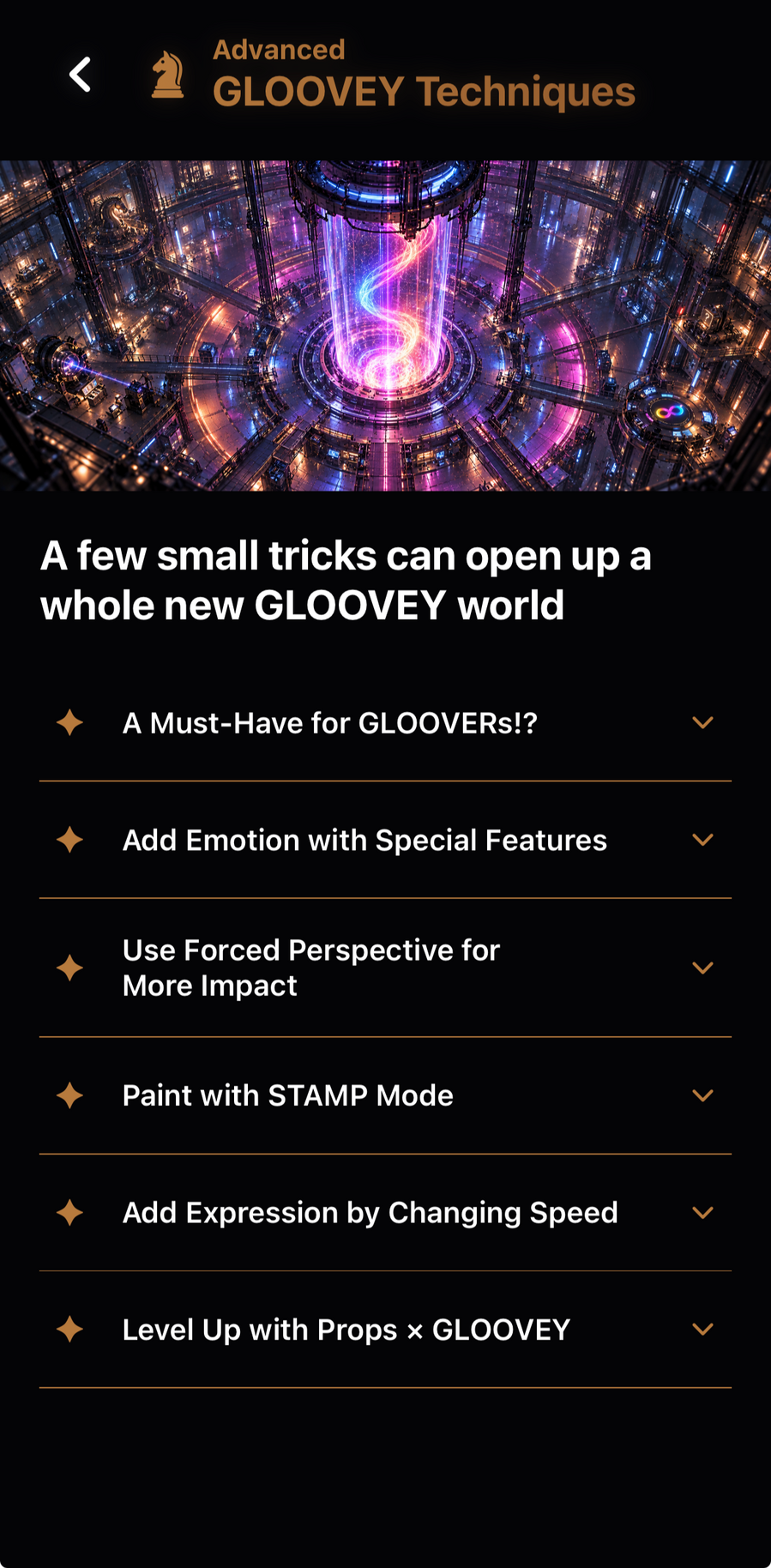
Give your light a new twist.
Change your movements or combine settings to give your light a different look.Go beyond the basics and discover more ways to create.Find a new technique to try on your next shoot.
FAQ
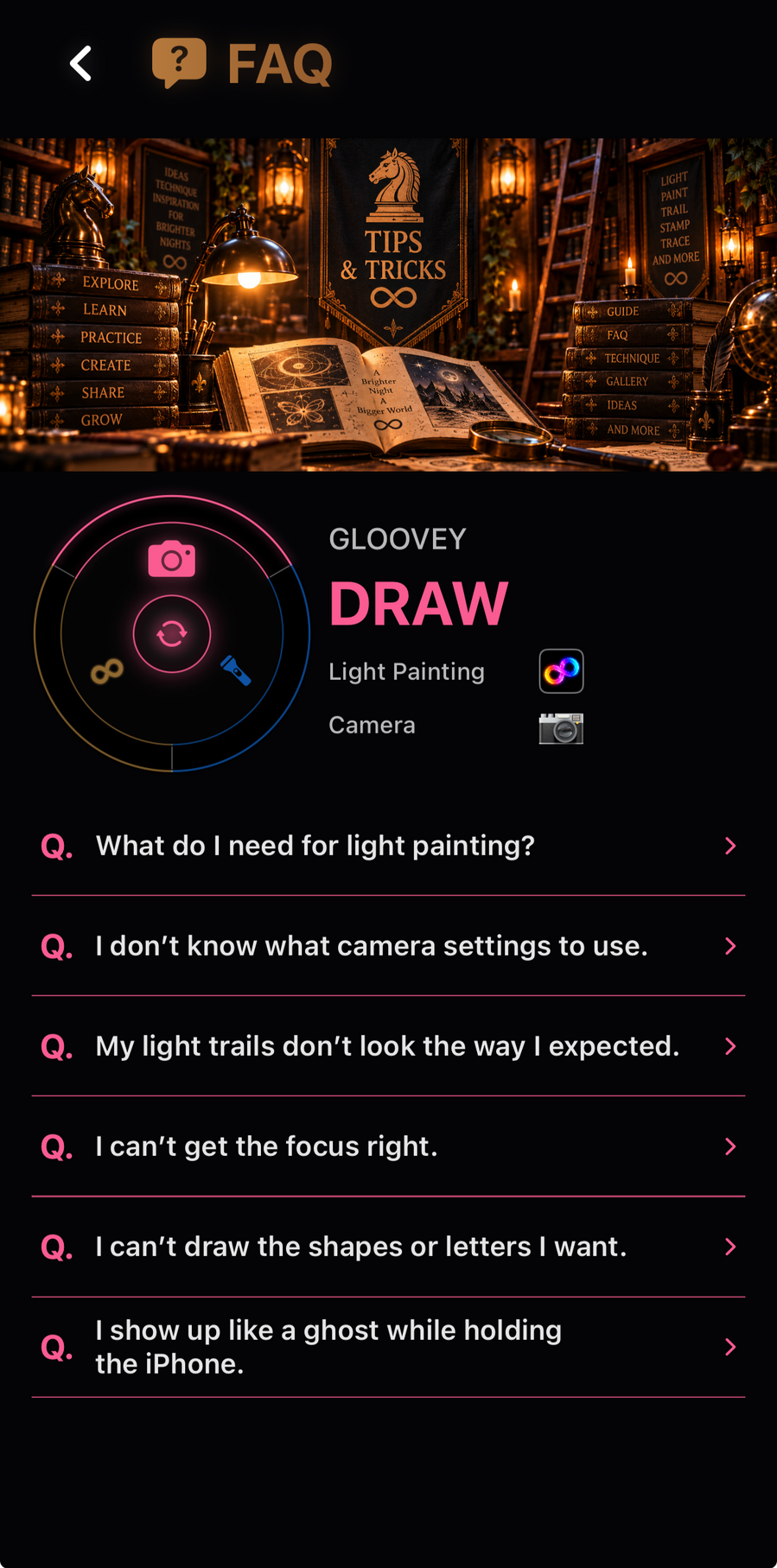
Wondering how—or why? Start here.
Find answers to common questions about capturing light,
creating with light, and using the app.Whether you’re stuck or simply curious, find the answers you need.
Privacy Policy | 利用上の注意・免責 | Contact / Support
© 2026 Kitagawa. All rights reserved.
# GLOOVEY Privacy Policy
GLOOVEY (the “App”) respects users’ privacy and handles personal information and related data appropriately.
## 1. Information We Collect
The App does not require account registration and does not collect personal information such as names, addresses, phone numbers, or location information during normal use.
The App also does not collect information for advertising, usage analytics, or behavioral tracking purposes.
## 2. Access to the Photo Library
The TRACE feature may access the user's photo library so that a selected image can be displayed as a guide.The HUNTER feature may also save captured photos and generated light-compositing videos to the user's photo library.Selected images, captured photos, and generated videos are processed on the device and are not transmitted to external servers.
## 3. Camera, Microphone, Location, and Notifications
GLOOVEY uses access to the rear camera to provide a live preview in the FINDER feature. FINDER does not capture photos or record video. The camera feed is not stored or sent to any external server.The HUNTER feature uses the rear camera for photography, long-exposure photography, and light-compositing. It also includes a feature that can record the light-compositing process as a video.The front-facing camera is not used. GLOOVEY does not use permissions for the microphone, location information, or notifications for sending push notifications.The "Prevent Notifications During Shooting" feature does not request notification permission. It only provides instructions for using Focus on iPhone.
## 4. Advertising and Analytics
The App does not include advertising features or advertising SDKs.
The App also does not use analytics or behavioral analysis services to collect information about how users use the App.
## 5. In-App Purchases
The App may offer additional features as one-time purchases.
Payment processing for in-app purchases is handled through Apple’s App Store. The Creator of the App does not directly collect or manage payment information such as credit card numbers.
## 6. Contact and Support
When a user contacts us, we may receive the sender’s email address and information included in the message for the purpose of responding to the inquiry and providing support.
This information is used only for handling the inquiry and will not be provided to third parties without the user’s consent, except where required by law.
## 7. Information Management
Information received through inquiries is managed appropriately to help prevent unauthorized access, leakage, loss, or other security issues.Such information is managed only to the extent necessary for responding to inquiries and providing support. No specific retention period is established.
## 8. Links to External Services
The App and the official website may contain links to external services such as the App Store and Instagram.
Please refer to the privacy policies of those external services for information about how they handle personal information.
## 9. Changes to This Privacy Policy
This Privacy Policy may be revised in response to changes in App features, specifications, applicable laws, or other circumstances.
If significant changes are made, we will provide notice through the official website or another appropriate method.
## 10. Contact
For inquiries regarding GLOOVEY, please contact:[email protected]Creator: KitagawaEffective Date: September 1, 2026
利用上の注意・免責
GLOOVEYは、iPhoneの画面や背面ライトを使ってライトペインティングを楽しむためのアプリです。
安全にお楽しみいただくため、ご使用前に以下をご確認ください。
1. 周囲の安全について
GLOOVEYを使用する前、および使用中は周囲の安全を十分に確認してください。
ライトペインティングでiPhoneを動かす際は、周囲の人や物、足元などに十分注意してご使用ください。
2. iPhoneの取り扱いについて
ライトペインティングでは、iPhoneを動かしたり振ったりする場合があります。
端末の落下・衝突・破損などに十分注意し、周囲の状況に適した方法でご使用ください。
3. 強い光・点滅する光について
GLOOVEYの機能によっては、強い光や点滅する光を使用する場合があります。
使用者本人だけでなく、周囲の方にも十分配慮してご使用ください。光によって不快感や異常を感じた場合は、使用を中止してください。
4. 免責事項
GLOOVEYは、安全に十分配慮したうえで、ご自身の判断と責任においてご使用ください。
本アプリの使用に伴って生じたiPhone等の端末の破損・紛失、事故その他の損害について、開発者が法令上責任を負う場合を除き、責任を負いかねます。